Beast of Reincarnation – Optimierungen für die Lossless-Engine (Ruckler reduzieren – Latenz verbessern) Mod v1.0
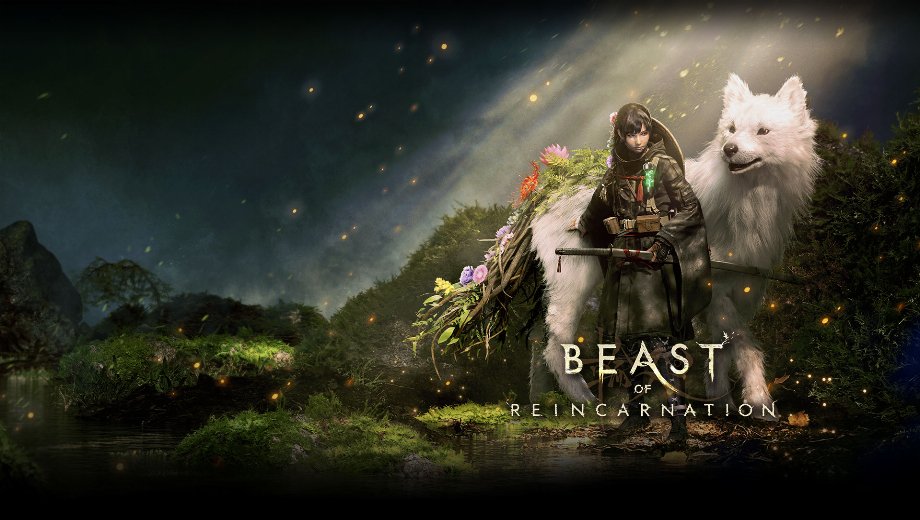
                    Beast of Reincarnation suffers from hitching and inconsistent frame-time behavior that a default Engine.ini doesn’t address. Lossless Engine Tweaks smooths that out through a conservative Engine.ini profile focused on streaming behavior and frame-time consistency. An optional companion file also strips out several visual effects for a cleaner image. As a result, you get steadier frame pacing with the option to go further with a distraction-free visual style.
Was ist inbegriffen?
- Lossless Engine Tweaks (Main File): Keeps asynchronous PSO creation, PSO precaching, background texture streaming, and parallel garbage collection enabled, without forcing any visual quality changes.
- Clean Visuals Engine Tweaks (Optional File): Builds on the Lossless baseline and removes motion blur, chromatic aberration, depth of field, film grain, vignette, bloom, and lens flare.
- No Forced Visual Cuts: Keeps resolution, Lumen, Nanite, and atmospheric effects exactly as they are in the base version.
Warum Sie diesen Mod brauchen
Hitching and stutter break the flow of combat and exploration alike. However, many performance mods force visual downgrades to get there. This mod avoids that entirely in its base version. Therefore, you get a steadier frame-time baseline first, with the option to also clean up distracting visual effects if you want.
Wie man anfängt
- Launch the game once, then close it completely.
- Herunterladen Lossless Engine Tweaks for the conservative baseline, or Clean Visuals Engine Tweaks if you also want motion blur, film grain, vignette, bloom, and lens flare removed. Install only one at a time.
- Extract Engine.ini to %LOCALAPPDATA%/BeastOfReincarnation/Saved/Config/Windows.
- If you already have an Engine.ini from another mod, back it up first rather than overwriting it blindly.
- Keep Engine.ini set to read-only after installation.
- To uninstall, remove the read-only attribute, then delete Engine.ini or restore your previous backup.
Gut zu wissen
This is a conservative frame-time baseline rather than an average-FPS boost, so overall FPS may stay unchanged depending on your system. It isn’t directly compatible with another mod that also replaces Engine.ini, and it doesn’t touch GameUserSettings.ini, resolution, upscaler, ray tracing, HDR, or frame limit settings. Game updates can override Unreal CVars, so re-testing after major patches is worth doing. The Clean Visuals variant forces motion blur and depth of field off, so toggling those options in the in-game menu won’t visibly restore them until this file is removed.
- File name: BeastofReincarnation_LosslessEngineTweaks_v1.0
- File name: BeastofReincarnation_CleanVisualsEngineTweaks_v1.0

- Secure Software (Virus checked, GDPR-compliant)
- Easy to use: get ready in less than 5 min
- More than 5300+ supported Games
- +1000 Patches every month & Support



![Wild West Supermarket Simulator v1.0.682a (+4 Trainer) [RazorDOX]](https://618b31e8.delivery.rocketcdn.me/wp-content/uploads/2026/10/Wild-West-Supermarket-Simulator-01-464x276.jpg)

![Eastern Era v1.0-v1.1.x+ (+63 Trainer) [FLiNG]](https://618b31e8.delivery.rocketcdn.me/wp-content/uploads/2026/06/Eastern-Era-01-464x276.jpg)