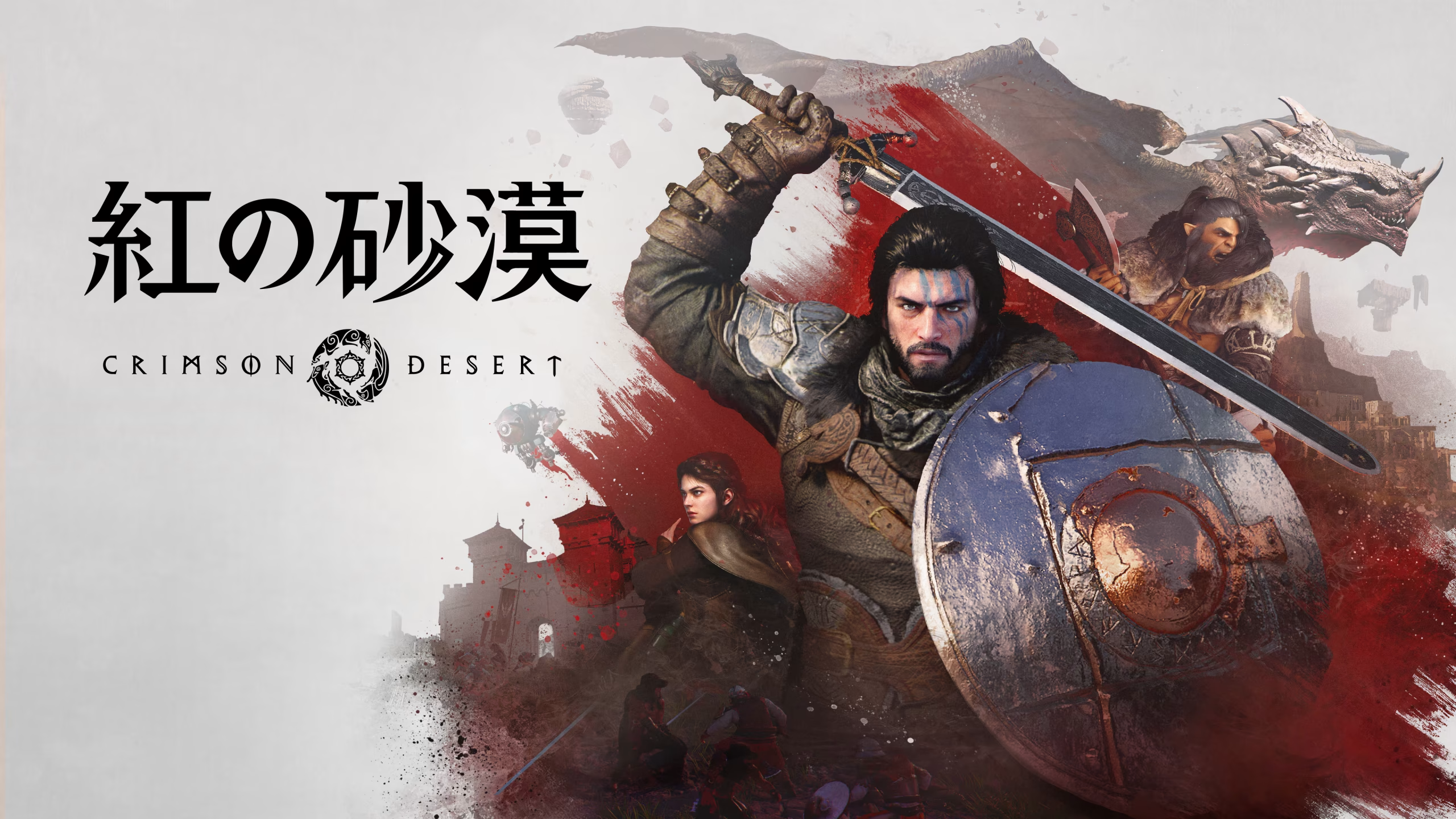
Crimson Desert Waypoint Route Mod v1.2.5

November 6, 2026 - 8:25a.m.
                    What good is a waypoint if the game never shows you the road to it? Waypoint Route answers that by painting a road-following line to your waypoint on both the minimap and the world map. It reads the road network from the game’s archives at every launch. As a result, new roads from patches and DLC show up on their own.
Merkmale auf einen Blick
- WaypointRoute: Ships as a 389KB archive with WaypointRoute.asi und WaypointRoute.ini.
- Minimap Route: Starts the line under your arrow, then turns and zooms with the minimap. It follows the minimap’s zoom-out when you ride fast and its larger size in combat.
- World Map Route: Draws the full route from you to the waypoint, and it stays aligned while you pan and zoom.
- Real Roads and Wagon Routing: Follows main roads, horse trails, wagon roads, and town paths, so a straight line only covers the final short stretch. On a wagon or cart, it prefers the wide roads instead.
- In-World Route: Lays an optional ribbon on the road that shows the next 30 m while you ride. With DLSS, it stays on the road as you turn and hides behind hills, buildings, and characters.
- Automatic Updates: Updates the route when you set, move, or remove a waypoint, and it recalculates after you wander 25 m off.
- Hotkeys: Press [ to show or hide the minimap route and ] for the in-world route. Press \ to reload the INI in game.
- Style Settings: Tunes colors, widths, opacity, road preferences, and HDR brightness in the INI, then applies them live with the reload key.
The Payoff
Navigating by waypoint stops being a guessing game, because the line shows you where the road actually goes. Since it does no GPU work unless there is a route to draw, it costs nothing while idle. Areas without road data still get a straight line, though.
Getting It Running
- Lade den Mod herunter und entpacke das Archiv auf deinem PC.
- Install an ASI loader such as Ultimate ASI Loader if you don’t have one yet. Its winmm.dll goes in the bin64 folder of the game.
- Kopieren WaypointRoute.asi und WaypointRoute.ini in Crimson Desert\bin64.
- Start the game, load your save, and place a waypoint on the world map.
- Then press ] to hide or show the in-world route.
- To update, copy the new files over the old ones. An older INI still works, since missing settings use built-in defaults. To edit the new settings, copy the [Keys], [World]und [WagonRouting] sections from the new INI into yours.
- Zum Deinstallieren löschen Sie WaypointRoute.asi und WaypointRoute.ini von bin64.
Compatibility and Tips
- Turn on DLSS for the in-world route’s occlusion and steady camera. Without it, the ribbon still works but draws on top of everything.
- It works with ReShade, RenoDX in HDR, DLSS, FSR, OptiScaler, and other ASI mods.
- With AMD FSR frame generation, the minimap and world map routes work, though there is no in-world route.
- If the route never shows up alongside an overlay mod, set Renderer to Composition in [Style]. That mode drops the in-world route.
- Avoid running it next to Crimson Route, since the two routes would overlap.
- The mod writes a log to bin64\WaypointRoute.log, so check it if something fails.
Download
File information
November 6, 2026 - 8:25a.m.
- File name: CrimsonDesert_WaypointRoute_v1.2.5

PLITCH - Free & Premium Game Trainer
- Secure Software (Virus checked, GDPR-compliant)
- Easy to use: get ready in less than 5 min
- More than 5300+ supported Games
- +1000 Patches every month & Support

The Hardcore Gaming Experience
Pioneering in offering game trainers and other hardcore gamer-centric content.
LATEST UPDATES



The Hardcore Gaming Experience
Pioneering in offering game trainers and other hardcore gamer-centric content.