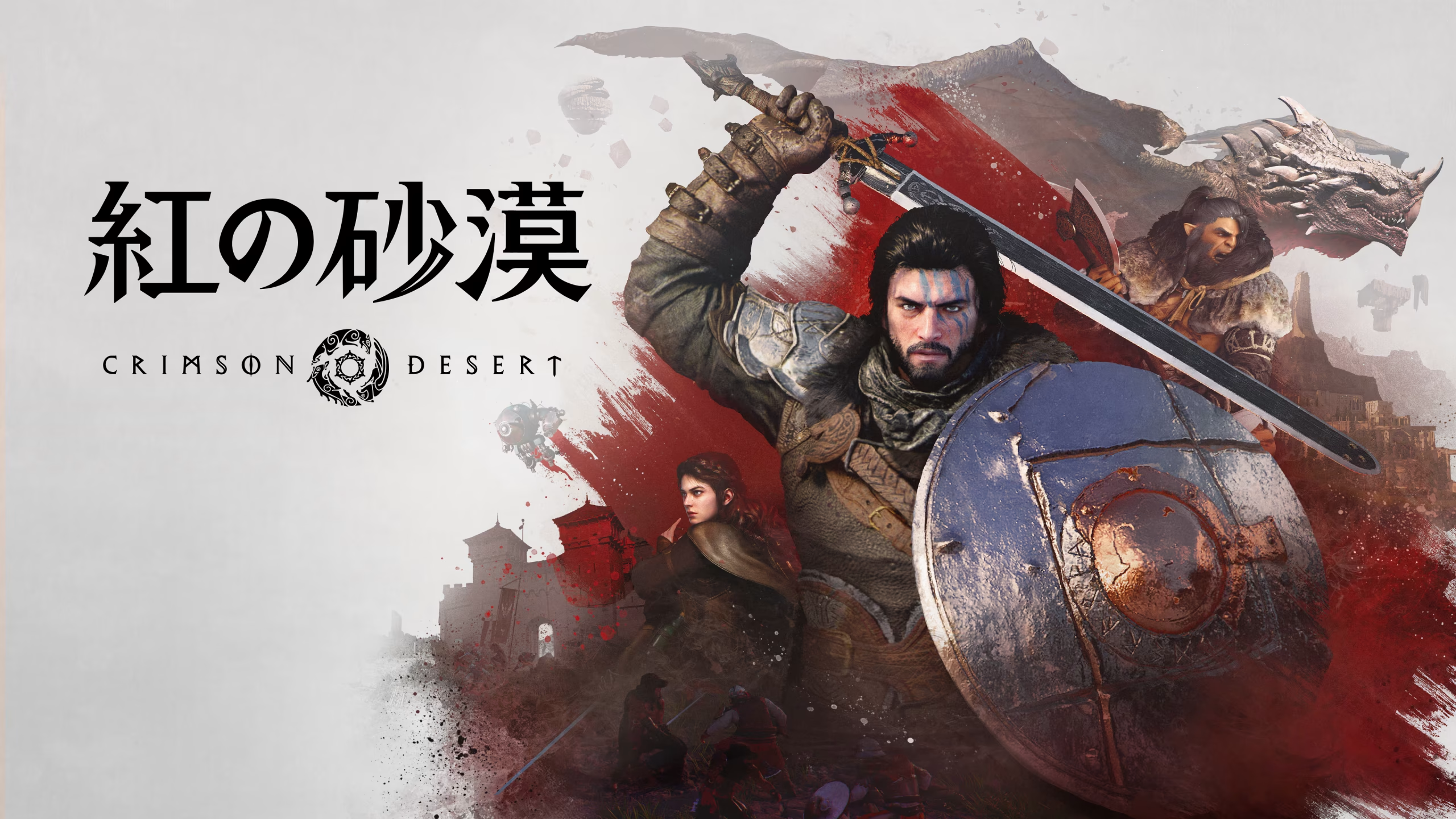
Crimson Desert Crimson Collection Mod v1.3.5
noviembre 18, 2026 - 8:45am
                    Ever finish a long Crimson Desert session and still not know which armor set you’re missing? The Crimson Collection mod is an in-game checklist for your gear, lore, mounts, and much more. It reads the game’s own tables and your save file, so entries tick themselves as you play. As a result, every missing piece comes with a Go there marker that leads you straight to it.
What Goes in the Window
- Crimson Collection: Packs everything into one 14.2MB file, so it replaces Crimson Gear Collection and all its add-ons.
- Gear Checklist: Tracks every weapon, armor piece, shield, and accessory you own, then shows where to find the rest.
- Ten Collections: Cover gear, lore, mounts and pets, housing, the Abyss, cooking and alchemy, ships and wagons, Visione memories, keys and tokens, and Abyss gear. You can switch off any you don’t want.
- Map Pins: Mark missing pieces on the game’s map and mini-map. You can follow up to five of them like quests.
- Self-Ticking Entries: Read your inventory, the game’s knowledge, and your save in read-only mode, so nothing needs clicking by hand.
- Pad and Language Support: Let a game pad run the whole window, while the interface speaks fifteen languages.
- Backups: Save dated copies to Documents\Crimson Collection. For a fresh game, Start a new collection clears every tick after saving a copy.
The Payoff
Completionists get the biggest return, since you never track anything by hand. The only real cost is setup. The old Gear Collection and its add-ons must go before this one goes in.
Getting It Running
- Download the mod and extract the archive to your PC. Keep the original zip too if you plan to use DMM.
- Remove Crimson Gear Collection and any of its add-ons first, since both use CrimsonCollection.asi. Also delete older copies of the plugin from other folders.
- Instale Definitive Mod Manager (DMM) if you don’t have it yet.
- For the DMM route, import the zip into DMM, enable the mod including its ASI plugin, then mount it.
- For the manual route, copy CrimsonCollection.asi into the game’s bin64 folder instead.
- Start the game and press F10. On a pad, press Back/View + Ao Create + Cross on PlayStation.
- After a game update, mount again if DMM shows NOT MOUNTED.
- To uninstall, disable the mod in DMM and remount, or delete CrimsonCollection.asi de bin64. Your backups in Documents\Crimson Collection stay put.
Compatibility and Tips
- The mod targets game version 2.05.00.
- It works alongside CDWiki, Crimson Route, Camp Happens, DesertLink, and Mouse and Window Fixes.
- If something fails, check CrimsonCollection.log, while your settings live in CrimsonCollection.ini.
- This mod includes AI-assisted content.
Download
File information
noviembre 18, 2026 - 8:45am
- File name: CrimsonDesert_CrimsonCollection_v1.3.5

PLITCH - Free & Premium Game Trainer
- Secure Software (Virus checked, GDPR-compliant)
- Easy to use: get ready in less than 5 min
- More than 5300+ supported Games
- +1000 Patches every month & Support

The Hardcore Gaming Experience
Pioneering in offering game trainers and other hardcore gamer-centric content.
LATEST UPDATES





The Hardcore Gaming Experience
Pioneering in offering game trainers and other hardcore gamer-centric content.


