Code Vein II v1.0-v2.0.x+ (+45 Trainer)
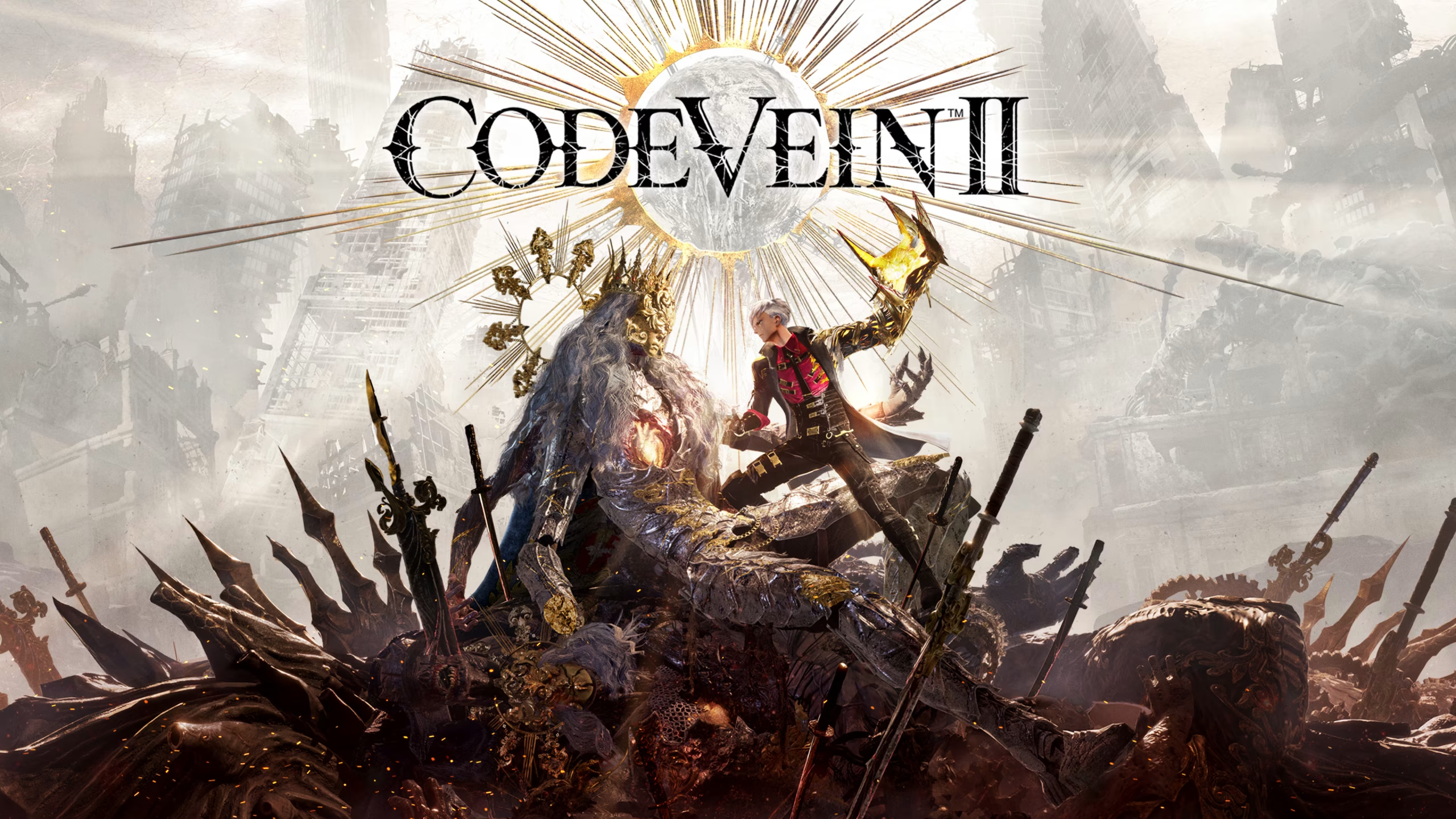
                    Code Vein II asks you to balance Ichor, Haze, and crafting resources while fighting Horrors across a warped landscape. Losing Haze on death or grinding for upgrade materials slows the pace of an already demanding action RPG. This trainer clears every one of those obstacles.
FLiNG built this trainer with 45 options, covering combat, currency, progression, and movement. It supports Code Vein II version v1.0-v2.0.x+ and was last updated on September 13, 2026. Bandai Namco Studios developed and published the game as a sequel to the 2019 original.

Todo el arsenal
These 45 options split into six groups: combat and survival, speed and damage, currency and item editors, progression and crafting, navigation, and movement and camera controls.
Combat & Survival Options
- N.º 1 (Modo Dios/Ignorar golpes): Blocks all incoming damage.
- Num 2 (Infinite HP): Mantiene tu barra de salud al máximo.
- Num 3 (Infinite LP): Keeps your LP resource full at all times.
- Num 4 (Infinite Stamina): Keeps your stamina meter full for constant attacks and dodges.
- Num 5 (Infinite Ichor): Keeps your Ichor supply full, removing the risk of running dry mid-fight.
- Num 6 (Infinite Ammo & No Reload): Stops ranged weapons from running dry or needing a reload.
- Num 7 (Consumables Won’t Decrease): Stops consumable items from being used up.
- Num 8 (100% Drop Rate): Increases enemy item drop rates to guaranteed drops.
Speed & Damage Options
- N.º 9 (Ajustar la velocidad del juego): Acelera o ralentiza todo el juego.
- N.º 0 (Daño extremo/Muerte con un solo golpe): Turns most attacks into one-hit kills.
- N.º (Multiplicador de daño): Sets a custom multiplier on the damage you deal.
- Núm. + (Multiplicador de defensa): Sets a custom multiplier on the damage you take.
Currency & Item Editors
- Ctrl+Num 1 (Edit Haze): Sets your Haze total to any value you choose.
- Ctrl+Num 2 (Haze Multiplier): Multiplies Haze earned from combat and exploration.
- Ctrl+Num 3 (Won’t Lose Haze Upon Death): Stops death from costing you accumulated Haze.
- Ctrl+Num 4 (Edit Trading Points): Sets your Trading Points total directly.
- Ctrl+Num 5 (Edit Items Amount): Sets the amount of your currently selected item.
- Ctrl+Num 6 (Edit Items Amount (Storage)): Sets the amount of that item held in storage.
- Ctrl+Num 7 (Edit Ammo Amount): Sets your carried ammo count for the selected ammo type.
- Ctrl+Num 8 (Edit Ammo Amount (Storage)): Sets that ammo type’s amount held in storage.
- Ctrl+Num 9 (Edit Materials Amount): Sets the amount of your currently selected crafting material.
- Ctrl+Num 0 (Edit Materials Amount (Storage)): Sets that material’s amount held in storage.
- Ctrl+Num . (Edit Valuables Amount): Sets the amount of your currently selected valuable item.
- Ctrl+Num + (Edit Valuables Amount (Storage)): Sets that valuable’s amount held in storage.
Progression & Crafting Options
- Alt+Num 1 (Max Blood Code Proficiency): Maxes out proficiency for your equipped Blood Code.
- Alt+Num 2 (Blood Code Proficiency Multiplier): Multiplies Blood Code proficiency gains instead of maxing them outright.
- Alt+Num 3 (Freeze Daytime): Fija la hora del día.
- Alt+Num 4 (Time Pass Speed): Adjusts how quickly time moves in-game.
- Alt+Num 5 (Ignore Item Synthesis Requirements): Removes material requirements for crafting items.
- Alt+Num 6 (Ignore Upgrade Weapon Requirements): Removes material requirements for weapon upgrades.
- Alt+Num 7 (Ignore Enhance Forma Requirements): Removes material requirements for enhancing Forma.
- Alt+Num 8 (Ignore Enhance Jail Requirements): Removes material requirements for enhancing Jails.
- Alt+Num 9 (Ignore Transform Weapon Requirements): Removes requirements for transforming weapons.
- Alt+Num 0 (Ignore Transform Defensive Forma Requirements): Removes requirements for transforming defensive Forma.
Navigation Options
- Alt+Num / (Save Location): Saves your current position for later teleporting.
- Alt+Num * (Teleport to Saved Location): Instantly returns you to a saved position.
- Alt+Num – (Teleport to Pin Location): Instantly moves you to your active map pin.
Movement & Camera Options
- Shift+F2 (Set Player Speed): Adjusts your character’s overall speed.
- Shift+F3 (Set AI Speed): Adjusts the speed of AI-controlled partners and enemies.
- Shift+F4 (Set Movement Speed): Fine-tunes walking and running speed specifically.
- Shift+F5 (Infinite Jumps): Removes the limit on how many times you can jump in the air.
- Shift+F6 (No Fall Damage): Stops damage from falling any distance.
- Shift+F7 (Set Jump Height): Changes how high you jump.
- Shift+F8 (Set Gravity): Adjusts the strength of gravity affecting your character.
- Shift+F9 (Set FOV): Changes your field of view.
Instrucciones y consejos importantes para los formadores
Sigue estos pasos para que la configuración se realice sin problemas.
- Supported version: v1.0-v2.0.x+ (updated September 13, 2026).
- Orden de ejecución: cualquiera de los dos órdenes es válido, así que puedes iniciar primero el entrenador o el juego.
- Si las teclas de acceso rápido del teclado numérico no responden, comprueba que la tecla «Num Lock» esté activada.
- Storage-based editors only take effect once you’ve deposited at least one of that item into storage.
Este entrenador está pensado exclusivamente para un solo jugador.

- Secure Software (Virus checked, GDPR-compliant)
- Easy to use: get ready in less than 5 min
- More than 5300+ supported Games
- +1000 Patches every month & Support




![Pass the Fear v1.0.x+ (+27 Trainer) [FLiNG]](https://618b31e8.delivery.rocketcdn.me/wp-content/uploads/2026/10/Pass-the-Fear-01-464x276.jpg)

![Enshrouded v1.0+ (+22 Trainer) [FLiNG]](https://618b31e8.delivery.rocketcdn.me/wp-content/uploads/2025/11/Enshrouded-02-464x276.jpg)








Trainers are memory resident programs that alter the behavior of a game.
Your antivirus software and web browser may detect them as malware (viruses, worms, trojans, bots etc.).
This is almost always a false alarm.
- File name: Code.Vein.II.v1.0-v2.0.x.Plus.45.Trainer-FLiNG




![Nioh 3 v1.0-v2.0+ (+50 Trainer) [FLiNG]](https://618b31e8.delivery.rocketcdn.me/wp-content/uploads/2025/11/Nioh-3-01-464x276.jpg)


