Phantom Blade Zero UE4SS Patch Fix Mod v1.0
November 9, 2026 - 8:25a.m.
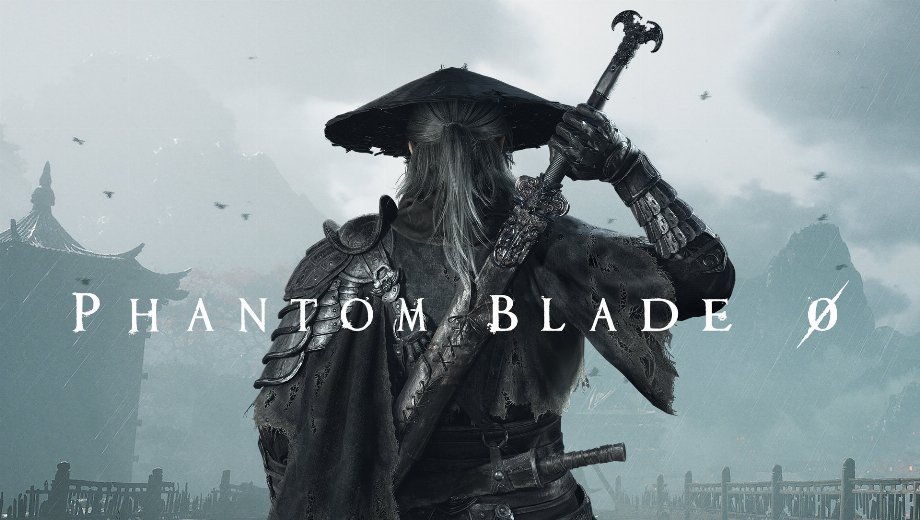
                    After the 4 November patch, every UE4SS mod in Phantom Blade Zero stopped loading. The cause shows up in the log, since UE4SS can’t find the engine globals GNatives and GUObjectArray. The UE4SS Patch Fix mod replaces the two signature files that search for them. As a result, your UE4SS mods start again.
What the Download Replaces
- UE4SS PatchFix PBZ: Holds two small Lua files for the ue4ss\UE4SS_Signatures folder, so nothing else in your install changes.
- GNatives.lua: Reads the bytecode table address from the engine code. Then it accepts the address only when all 255 handlers point into the game exe.
- GUObjectArray.lua: Reads the object array address from the engine code. Five other references in that code must point inside it, so wrong guesses fail the check.
- No Pinned Addresses: Searches the engine code, so later patches should not break it unless those two functions change.
- Both Builds: Runs on the launch build and on the patched build, so you can install it early without harm.
Is It Worth It?
When your UE4SS.log fills with AOB (array of bytes) errors, these two files are the whole fix. They need no settings and no setup beyond one copy. Since they work on both builds, installing them early costs you nothing.
Setting It Up
- Lade den Mod herunter und entpacke das Archiv auf deinem PC.
- Installieren Sie UE4SS for Phantom Blade Zero first if you haven’t. Its dwmapi.dll und ue4ss folder should sit next to PBZ.exe in PBZ\platform\steam.
- Close the game, then copy the extracted files into your PBZ game folder, the one that contains platform. Let them overwrite GNatives.lua und GUObjectArray.lua in PBZ\platform\steam\ue4ss\UE4SS_Signatures.
- Start the game and open ue4ss\UE4SS.log. It should say GUObjectArray found und GNatives found, so your mods start from there.
- If your UE4SS package later ships its own update, install it, since its files replace these. Alternatively, keep these two files, because they work on both builds.
- Zum Deinstallieren löschen Sie GNatives.lua und GUObjectArray.lua von PBZ\platform\steam\ue4ss\UE4SS_Signatures. Then restore the copies from your UE4SS package.
Aufgepasst
- Other UE4SS packages find these globals their own way, so this fix is not meant for them.
- On the patched build, the files let Lua mods such as Phantom Tweaks and Hundred Blades run in game.
- This mod includes AI-generated content and AI-generated media.
Download
File information
November 9, 2026 - 8:25a.m.
- File name: PhantomBladeZero_UE4SS_PatchFix_PBZ_v1.0.0
Game is supported by PLITCH

PLITCH - Free & Premium Game Trainer
- Secure Software (Virus checked, GDPR-compliant)
- Easy to use: get ready in less than 5 min
- More than 5300+ supported Games
- +1000 Patches every month & Support

The Hardcore Gaming Experience
Pioneering in offering game trainers and other hardcore gamer-centric content.
LATEST UPDATES





The Hardcore Gaming Experience
Pioneering in offering game trainers and other hardcore gamer-centric content.