Ace Combat 8: Wings of Theve v1.0+ (+20 Trainer)
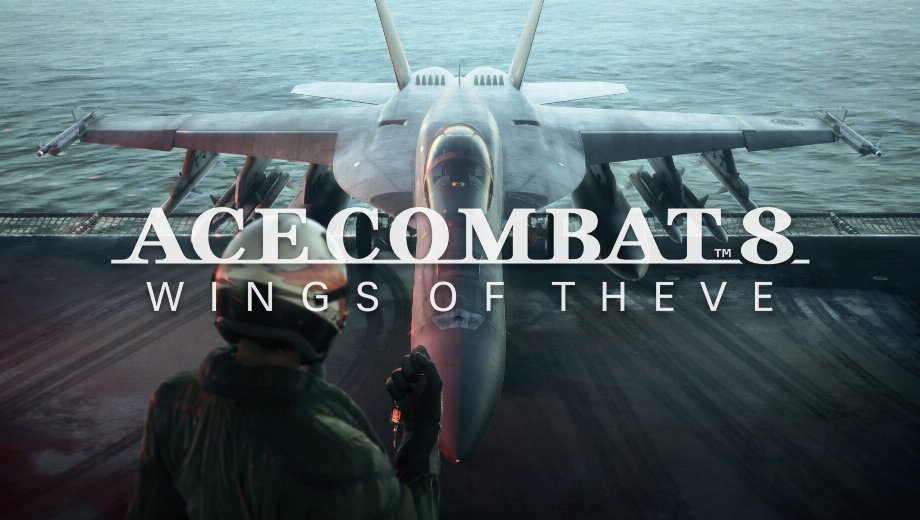
                    Ace Combat 8: Wings of Theve throws you into arcade-style dogfights where missiles, flares, and mission clocks run dry fast. However, every lost dogfight costs time. This trainer removes that pressure, so you can focus on the flying.
FLiNG built this trainer with 20 options, covering survival, ammo, mission control, and aircraft parts. Specifically, it supports version v1.0+ and was last updated on October 3, 2026. Bandai Namco Aces developed the game, and Bandai Namco Entertainment published it.

Todo el arsenal
These 20 options split into four groups. Together, they cover survival, ammo, mission control, and aircraft customization.
Survival and Damage Options
- N.º 1 (Modo Dios/Ignorar golpes): Ignores incoming hits, so enemy fire never hurts your aircraft.
- N.º 2 (Salud infinita): Keeps your health full during every mission.
- N.º 0 (Daño extremo/Muerte con un solo golpe): Destroys targets in one hit instead of long gun runs.
- N.º (Multiplicador de daño): Scales the damage you deal to enemies.
- Núm. + (Multiplicador de defensa): Scales the damage you take, so you can tune the challenge.
Ammo and Cooldown Options
- N.º 3 (Munición infinita): Keeps your gun ammo full at all times.
- Num 4 (Infinite Missiles & SP Weapon Ammo): Never runs out of missiles or special weapon ammo.
- Num 5 (Instant Missile & SP Weapon Cooldown): Skips the reload wait, so you can fire again right away.
- Num 6 (Infinite Flares): Gives you endless flares against incoming missiles.
- Num 7 (Instant Flare Cooldown): Resets the flare cooldown after each launch.
Mission and Score Options
- Num 8 (Freeze Mission Timer): Stops the mission clock, so timed objectives lose their pressure.
- Num 9 (Time Pass Speed): Changes how fast the mission timer counts.
- Ctrl+Num 1 (Max Score): Sets your score to the maximum value.
- Ctrl+Num 2 (Score Multiplier): Multiplies the score you earn from each kill.
Aircraft and Speed Options
- Ctrl+Num 3 (Edit MRP): Edits your MRP amount.
- Ctrl+Num 4 (MRP Multiplier): Multiplies the MRP you earn, so upgrades arrive sooner.
- Ctrl+Num 5 (Ignore Part Slot Limit): Lets you fit more parts than the slots normally allow.
- Ctrl+Num 6 (Set Player Speed): Sets how fast your aircraft flies.
- Ctrl+Num 7 (Set Enemy Speed): Sets how fast enemy aircraft fly.
- Ctrl+Num 8 (Set Game Speed): Slows or speeds up the whole game.
Instrucciones y consejos importantes para los formadores
Follow these steps so every option works as intended.
- Supported version: Ace Combat 8: Wings of Theve v1.0+ (updated October 3, 2026).
- The game uses anti-cheat protection, so click the “Install Anti-Cheat Bypass” button first.
- Next, select “start_protected_game.exe” from the game’s root folder and save.
- Then launch or restart the game.
- If numpad hotkeys fail, turn Num Lock on, because the numpad keys need it.
- Avoid saving an Aircraft Set with extra parts, because players report that it corrupts the save.
Este entrenador está pensado exclusivamente para un solo jugador.

- Secure Software (Virus checked, GDPR-compliant)
- Easy to use: get ready in less than 5 min
- More than 5300+ supported Games
- +1000 Patches every month & Support


![Moadra v1.0 (+6 Trainer) [RazorDOX]](https://618b31e8.delivery.rocketcdn.me/wp-content/uploads/2026/10/Moadra-01-464x276.jpg)

![Dying Light 2 Stay Human v1.0-v1.3x+ (+33 Trainer) [FLiNG]](https://618b31e8.delivery.rocketcdn.me/wp-content/uploads/2024/03/dying-light-2_0-464x276.jpg)







Trainers are memory resident programs that alter the behavior of a game.
Your antivirus software and web browser may detect them as malware (viruses, worms, trojans, bots etc.).
This is almost always a false alarm.
- File name: Ace.Combat.8.Wings.of.Theve.v1.0.Plus.20.Trainer-FLiNG






![Nioh 3 v1.0-v2.0+ (+50 Trainer) [FLiNG]](https://618b31e8.delivery.rocketcdn.me/wp-content/uploads/2025/11/Nioh-3-01-464x276.jpg)


