Cronos : The New Dawn Ultimate Engine Tweaks Mod v4.0
janvier 2, 2026 - 9:20am
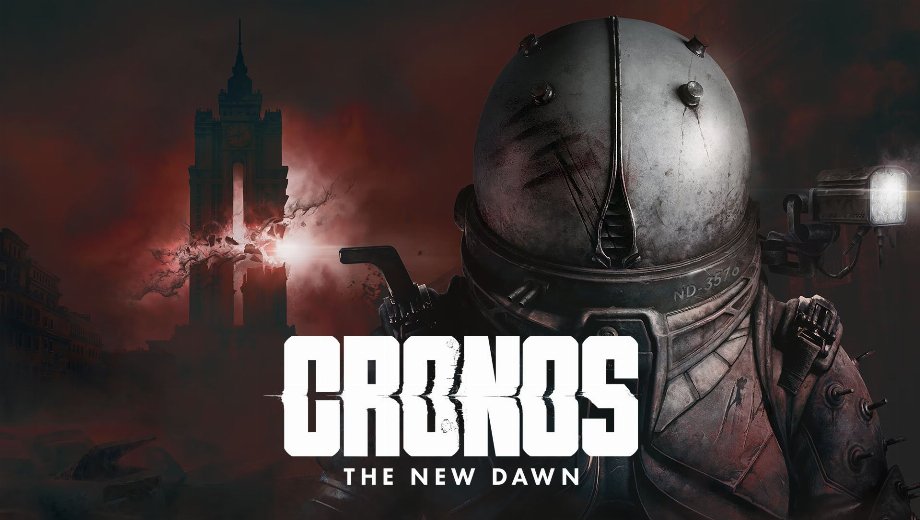
                    Le Ultimate Engine Tweaks mod provides a definitive set of Unreal Engine 5 optimizations for Cronos: The New Dawn. Designed to remove stutters, reduce input latency, and improve visual clarity, this mod enhances the game’s performance without sacrificing graphic quality. By refining CPU, GPU, and RAM usage, it delivers a smoother and more responsive experience, fixing common issues like ghosting and shimmering.
Caractéristiques principales
- Stutter Removal: Optimizes data streaming and resource management to minimize frame drops and stuttering.
- Improved Latency: Reduces input lag for snappier, more responsive controls.
- Clarté visuelle : Enhances image quality by optimizing Film Grain, Motion Blur, and upscaling (DLSS/FSR), while removing Chromatic Aberration.
- Better Stability: Includes tweaks to prevent crashes and glitches, ensuring a stable playthrough.
- Deux variantes : Offers specific versions for users with Variable Refresh Rate (VRR/G-Sync/FreeSync) monitors and those without.
Détails supplémentaires
- Compatibilité : Do not use this mod alongside other “optimization” mods or Engine.ini tweaks, as they may conflict.
- VRR vs. No VRR: Choose the “VRR” version if you have G-Sync or FreeSync enabled on both your monitor and GPU control panel. Otherwise, use the “No VRR” version.
- Utilisation sûre : The mod only modifies configuration files and can be easily uninstalled by deleting the
Engine.inifile, which reverts the game to default settings.
Comment installer
- First, run the game at least once and close it to generate the necessary config folders.
- Télécharger le Ultimate Engine Tweaks mod file (choose the VRR or No VRR version based on your monitor).
- Extract the `Engine.ini` file.
- Presse Victoire + R, type `%localappdata%\Cronos\Saved\Config\Windows`, and press Enter. (For Xbox PC versions, use `%localappdata%\Cronos\Saved\Config\WinGDK`).
- Paste the extracted `Engine.ini` into this folder, replacing the existing one if prompted.
- Right-click the new `Engine.ini`, select Propriétés, check the En lecture seule box, and click Apply.
- Finally, launch the game and enjoy the optimized performance!
Download
File information
janvier 2, 2026 - 9:20am
- File name: CronosTheNewDawn_UltimateUnrealEngine_VRR_v4.0
- File name: CronosTheNewDawn_UltimateUnrealEngine_NoVRR_v4.0
Game is supported by PLITCH

PLITCH - Free & Premium Game Trainer
- Secure Software (Virus checked, GDPR-compliant)
- Easy to use: get ready in less than 5 min
- More than 5300+ supported Games
- +1000 Patches every month & Support

The Hardcore Gaming Experience
Pioneering in offering game trainers and other hardcore gamer-centric content.
LATEST UPDATES



![Wild West Supermarket Simulator v1.0.682a (+4 Trainer) [RazorDOX]](https://618b31e8.delivery.rocketcdn.me/wp-content/uploads/2026/10/Wild-West-Supermarket-Simulator-01-464x276.jpg)

![Eastern Era v1.0-v1.1.x+ (+63 Trainer) [FLiNG]](https://618b31e8.delivery.rocketcdn.me/wp-content/uploads/2026/06/Eastern-Era-01-464x276.jpg)




The Hardcore Gaming Experience
Pioneering in offering game trainers and other hardcore gamer-centric content.





