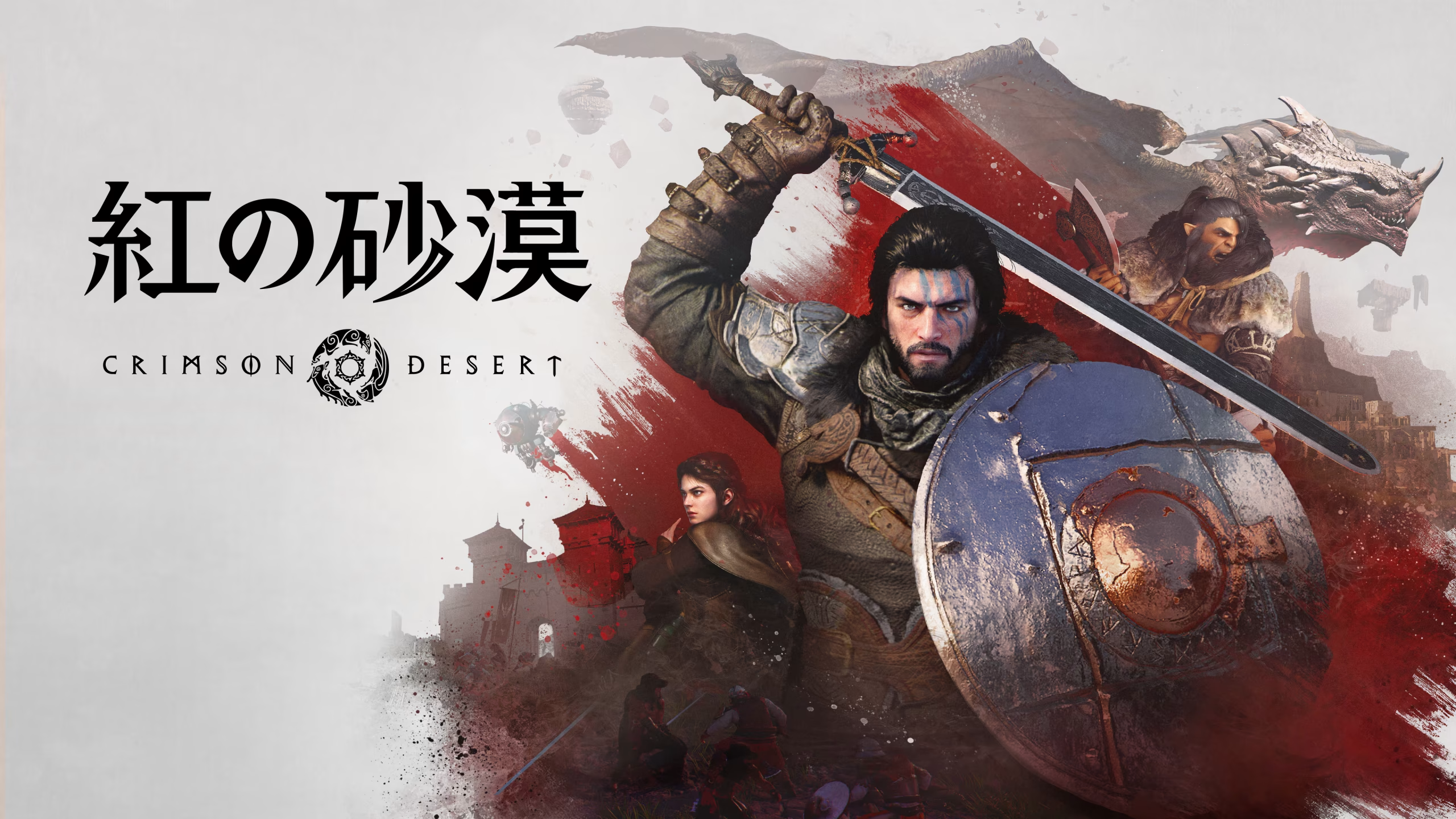
Crimson Desert Inventory Max Mod v1.0.0
novembre 23, 2026 - 8:45am
                    Seven thousand backpack slots sounds like a typo, but that is the new ceiling. The Inventory Max mod raises item slots in three places, so your backpack, camp storage, and city storage all grow. It works as a small JSON overlay, and Definitive Mod Manager (DMM) injects it at launch. Since it never edits the game archives, nothing permanent changes. As a result, you spend less time sorting loot and more time playing.
What the Overlay Changes
- CD_Inventory_Max.zip: Packs mod.json, inventory_max.field.jsonet README.md into one archive of about 1KB.
- Backpack Slots: Sets your backpack to 3,000 slots with a ceiling of 7,000, so loot-heavy runs stop forcing hard choices.
- Camp Storage: Gives your camp 6,000 slots with a 10,000 ceiling, while the backpack keeps its own values.
- City Storage: Sets warehouses to the same 6,000 slots and 10,000 ceiling, so overflow always has a home in town.
- Slots, Not Stacks: Changes how many different items you can carry, though it leaves stack sizes alone.
- Plain-Text Values: Lets you open inventory_max.field.json in Notepad, so you can lower the numbers if your build struggles.
Is It Worth It?
Big hauls stop forcing you to choose what to leave behind, which is the whole point. The trade-off is a long scroll list, since a backpack this size can redraw slowly on weaker PCs. Your game archives stay untouched, so unmounting brings back the vanilla game.
Setting It Up
- Download the mod to your PC and leave the ZIP packed, because DMM imports it as it is.
- Installer Definitive Mod Manager (DMM) if you don’t have it yet, and make sure it is version 5.0.1 or newer. Add the Microsoft Edge WebView2 Runtime too if your PC lacks it.
- Disable any other mod that changes inventory slot counts, since only one mod can own those fields.
- Close the game, then open DMM.
- Go to the Mods tab and click Add mod, or drag the ZIP onto the DMM window.
- Tick the CD Inventory Max entry to enable it.
- Cliquez sur Apply / Mount at the top right, then open the mount log and look for inventory.pabgb reporting 6/6 applied.
- Launch the game and open your backpack, where the slot counter should now read 3000.
- If DMM shows NOT MOUNTED after a game update, mount the mod again.
- To uninstall, disable the mod in DMM and click Apply / Mount again.
Before You Play
- The mod targets Crimson Desert 2.05.00, so older DMM builds may log 0/6 applied until you update them.
- A 3/6 result means one of the three records no longer exists in your game build.
- Carry weight stays untouched, so weight limits still work as before.
- If the game crashes when you open the inventory, lower the backpack values to 300 and 700. Then set both storage values to 600 and 1,000.
- Move extra items into storage or sell them before you uninstall, because a lower limit may not handle overflow gracefully.
- Existing saves keep working, since the mod writes nothing into them.
- This mod is AI-assisted.
Download
File information
novembre 23, 2026 - 8:45am
- File name: CrimsonDesert_InventoryMax_v1.0.0
PLITCH - Free & Premium Game Trainer
- Secure Software (Virus checked, GDPR-compliant)
- Easy to use: get ready in less than 5 min
- More than 5300+ supported Games
- +1000 Patches every month & Support

The Hardcore Gaming Experience
Pioneering in offering game trainers and other hardcore gamer-centric content.
LATEST UPDATES



The Hardcore Gaming Experience
Pioneering in offering game trainers and other hardcore gamer-centric content.


