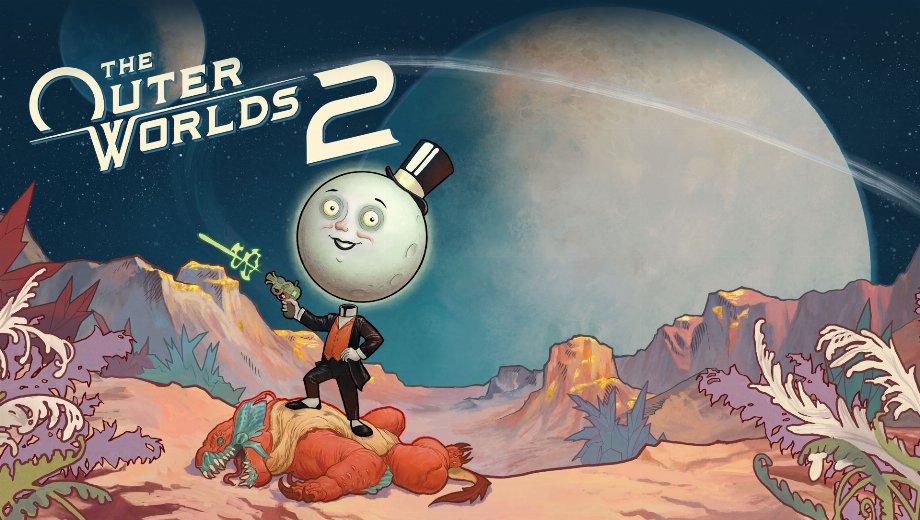
The Outer Worlds 2 Optimax - Mod de rendimiento v1.1
diciembre 5, 2025 - 8:45am
                    If you are struggling with low framerates, stuttering, or input lag in The Outer Worlds 2, the Optimax – Performance mod is the ultimate solution. This optimization tool fine-tunes the game’s engine to deliver significantly smoother performance without necessarily sacrificing visual quality. Whether you have a high-end rig or a low-spec PC, you can choose from various presets to find the perfect balance between graphics and speed.
Características principales
- Comprehensive Performance Boost: Increases FPS, reduces stutter and hitching, and speeds up loading times for a seamless experience.
- Reduced Latency: Lowers input lag, making combat and movement feel more responsive and snappy.
- Multiple Presets:
- Ultra Quality: Maintains or improves original visuals while still boosting performance.
- Balanced / Performance: Offers a large FPS jump with minimal visual downgrades.
- Ultra Low Spec: Maximizes framerate for older hardware, prioritizing playability over graphics.
- Engine Fixes: Denoises Unreal Engine effects and improves general stability.
Más información
- Compatibilidad: You can combine this with other configuration mods by adding their commands to the “Custom” section of the
Motor.iniarchivo. - Lumen Note: Some extreme performance presets disable Lumen lighting. This yields massive FPS gains but may cause lighting issues in certain areas.
Cómo instalar
- Descargar el Optimax – Performance archivo mod.
- Extract the archive and open the folder for the preset you want to use (e.g., Ultra Quality, Balanced, Low Spec).
- Copie el
.inifiles inside that preset folder. - Navigate to your game’s config folder:
Ventanas:
%LocalAppData%\Arkansas\Saved\Config\WindowsSteamOS/Linux:
/home/.steam/steam/steamapps/compatdata/1449110/pfx/ - Paste the files there and overwrite if prompted.
- Right-click the pasted files, select Propiedades, y comprueba Solo lectura to prevent the game from resetting them.
- Launch the game and enjoy smoother performance!
Download
File information
diciembre 5, 2025 - 8:45am
- File name: TheOuterWorlds2_OptimaxPerformance_v1.1
Game is supported by PLITCH

PLITCH - Free & Premium Game Trainer
- Secure Software (Virus checked, GDPR-compliant)
- Easy to use: get ready in less than 5 min
- More than 5300+ supported Games
- +1000 Patches every month & Support

The Hardcore Gaming Experience
Pioneering in offering game trainers and other hardcore gamer-centric content.
LATEST UPDATES


![Block Story (+7 Trainer) [Mafioznik]](https://618b31e8.delivery.rocketcdn.me/wp-content/uploads/2026/10/Block-Story-01-464x276.jpg)

![Star Wars: Galactic Racer v1.0+ (+14 Trainer) [FLiNG]](https://618b31e8.delivery.rocketcdn.me/wp-content/uploads/2026/10/STAR-WARS-Galactic-Racer-01-464x276.jpg)





The Hardcore Gaming Experience
Pioneering in offering game trainers and other hardcore gamer-centric content.