Metal Gear Solid Delta : Snake Eater Ultimate Engine Tweaks Mod v1.0
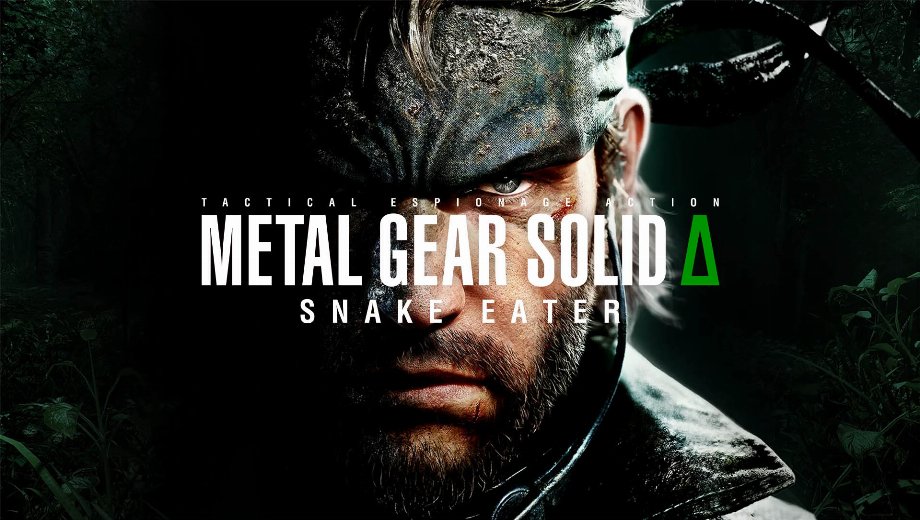
                    Metal Gear Solid Delta : Snake Eater Mod — Ultimate Engine Tweaks reworks core Unreal Engine settings to kill hitching, raise FPS, and sharpen image clarity without losing visual quality. It’s for performance hawks, input-latency nerds, and anyone sick of micro-stutter during stealth or boss routes.
What this Ultimate Engine Tweaks mod does
Le présent Metal Gear Solid Delta : Snake Eater Mods package ships a curated Engine.ini tuned after extensive UE testing. The goal is simple: fewer stutters, better frametimes, crisper presentation, and lower input latency in stealth, CQC, and traversal—while keeping the original art untouched.
Caractéristiques du modèle
- Réduction du bégaiement : Tweaked streaming and cache behavior to smooth out asset loads and traversal.
- Higher, steadier FPS: Balanced CPU/GPU/IO settings for improved performance and more consistent frametimes.
- Diminution de la latence d'entrée : Adjusted render and pipeline flags for snappier camera aim and CQC timing.
- Une présentation plus soignée : Optional disabling of chromatic aberration, refined film grain, and cleaner post-processing.
- Upscaling tuned: DLSS/FSR parameters optimized to reduce ghosting and shimmering while preserving detail.
- Two variants: Separate presets for VRR setups and non‑VRR displays to minimize judder and pacing issues.
- Lossless intent: Changes target clarity and stability without altering the game’s core visuals.
Impact sur le jeu et cas d'utilisation
The mod targets performance, pacing, and clarity across the entire campaign. You feel it in the jungle: cleaner camera pans, fewer traversal hitches, and tighter parry/throw windows. Boss fights benefit from stable frametimes. Long stealth crawls and scoped scouting gain microdetail with reduced shimmer.
- Là où il brille : Dense foliage, rain, explosions, cutscene transitions, and zoomed optics.
- Who it helps: Players chasing 1:1 input feel, speedrunners, challenge runners, and photo‑mode sticklers.
- Best pairing: Frame cap matched to display, VRR on capable screens, and reasonable upscaling quality.
- Trade‑offs: If other “optimization” mods are installed, expect conflicts—this one wants to be the only Engine.ini authority.
Installation et conditions préalables
- Download the desired preset (VRR or No‑VRR) from the Downloads section.
- Open the configuration path: %localappdata%\MGSDelta\Saved\Config\Windows (Win+R, paste the path, press Enter).
- Paste/replace the provided Engine.ini in that folder.
- Right‑click Engine.ini → Properties → check Lecture seule → Apply/OK.
- Launch the game and verify smoothness and input feel in a busy area (foliage, rain, or combat).
- Désinstaller : Delete the modded Engine.ini; the game will regenerate a default file on next run.
Notes : Use either the VRR version (G‑Sync/FreeSync enabled on both GPU control panel and display) or the No‑VRR version. Do not stack with other optimization/tweaks mods.
Tips for best results
- Match frame cap: Set the in‑engine cap to your panel’s refresh or use VRR to absorb spikes.
- Tweak upscaling: Use a quality mode first; only drop to balanced/perf if GPU‑bound.
- Avoid conflicts: Don’t layer other Engine.ini “performance” packs on top—pick one mod.
- Benchmark smart: Test the same route with rain, foliage, and combat to compare frametimes, not just average FPS.
- File name: MGSDelta_SnakeEater_UltimateUnrealEngine.ini_VRR_v1.0
- File name: MGSDelta_SnakeEater_UltimateUnrealEngine.ini_NoVRR_v1.0

- Secure Software (Virus checked, GDPR-compliant)
- Easy to use: get ready in less than 5 min
- More than 5300+ supported Games
- +1000 Patches every month & Support


![Block Story (+7 Trainer) [Mafioznik]](https://618b31e8.delivery.rocketcdn.me/wp-content/uploads/2026/10/Block-Story-01-464x276.jpg)

![Star Wars: Galactic Racer v1.0+ (+14 Trainer) [FLiNG]](https://618b31e8.delivery.rocketcdn.me/wp-content/uploads/2026/10/STAR-WARS-Galactic-Racer-01-464x276.jpg)