Metal Gear Solid Delta : Snake Eater Ultrawide Mod v1.1
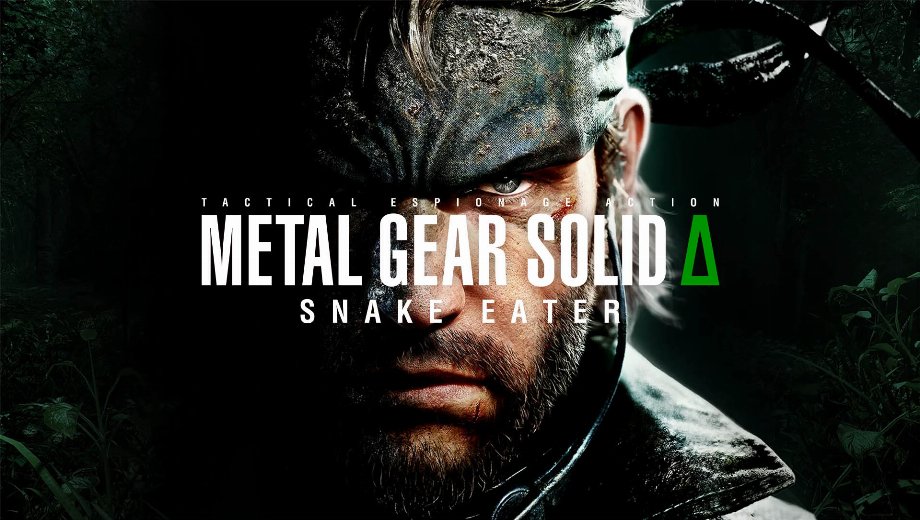
                    Le Ultrawide mod pour Metal Gear Solid Delta : Snake Eater unlocks native-feeling 21:9 and 32:9 play, removes letterboxing in cutscenes, and fixes FOV so the frame finally matches an ultrawide panel.
It’s aimed at immersion purists and PC tinkerers who hate pillarboxes, want full horizontal real estate in stealth, and prefer clean config edits over heavy overlays.
Caractéristiques du modèle
- Proper ultrawide output: Enables 21:9 and super‑ultrawide 32:9 across gameplay and cutscenes—no black bars, no squish.
- FOV and camera corrections: Adjusts field of view logic so the wider aspect uses the extra space instead of cropping.
- Common resolution support: 3440×1440, 3840×1600, 5120×2160, and other 21:9/32:9 variants.
- Lightweight approach: Simple configuration/patch method; no runtime injector required for the base fix.
- PC‑tested: Verified smooth with widescreen enabled when the in‑game resolution matches desktop output.
Impact sur le jeu et cas d'utilisation
Where it hits: every scene that suffered black bars—briefings, cinematics, and tight indoor shots—plus jungle traversal where lateral visibility matters.
Là où il brille : stealth routing, long camera pans, and photo‑mode work. Extra horizontal FOV helps track patrols and makes foliage‑heavy scenes read cleaner at speed.
Meilleure utilisation : set desktop and in‑game to the same ultrawide resolution, run Fullscreen or Borderless, and combine with a fixed FPS target for consistent frametimes.
Installation et conditions préalables
- Retour à la case départ : close the game and back up your config files in case a patch or mismatch requires a quick revert.
- Download: get the ultrawide mod from the Downloads section.
- Extract: unzip the files.
- Place files: copy the provided config files into:
C:\Users\{YourName}\AppData\Local\MGSDelta\Saved\Config\Windows
Allow overwrite when prompted. - Launch and match resolution: set the game’s resolution to the exact ultrawide resolution used on the desktop (e.g., 3440×1440, 3840×1600, 5120×2160).
- Dépannage : if black bars persist, restart the game after applying files, re‑confirm the in‑game resolution, and ensure the display mode isn’t forcing a 16:9 backbuffer. If the game overwrites configs on launch, re‑apply the files and try making the edited config read‑only as a last resort.
FAQ & tips
- Does it affect HUD/UI? The fix targets presentation and FOV first; if any HUD elements appear misaligned, re‑toggle display mode or reload after applying files.
- Cutscenes still letterboxed? Make sure the resolution truly switched and that no driver‑level scaling is forcing 16:9. Relaunch after changes.
- Trainer synergy? Great for singleplayer labbing: wide FOV improves patrol tracking while a trainer can smooth out test loops without grind.
- File name: MGS_DeltaSnakeEater_ultrawide_v1.1

- Secure Software (Virus checked, GDPR-compliant)
- Easy to use: get ready in less than 5 min
- More than 5300+ supported Games
- +1000 Patches every month & Support




![Fishing Inc (+9 Trainer) [Mafioznik]](https://618b31e8.delivery.rocketcdn.me/wp-content/uploads/2026/10/Fishing-Inc-01-464x276.jpg)

![Granblue Fantasy: Relink v1.0-v2.0.x+ (+36 Trainer) [FLiNG]](https://618b31e8.delivery.rocketcdn.me/wp-content/uploads/2024/02/granblue-fantasy-relink-1-464x276.jpg)