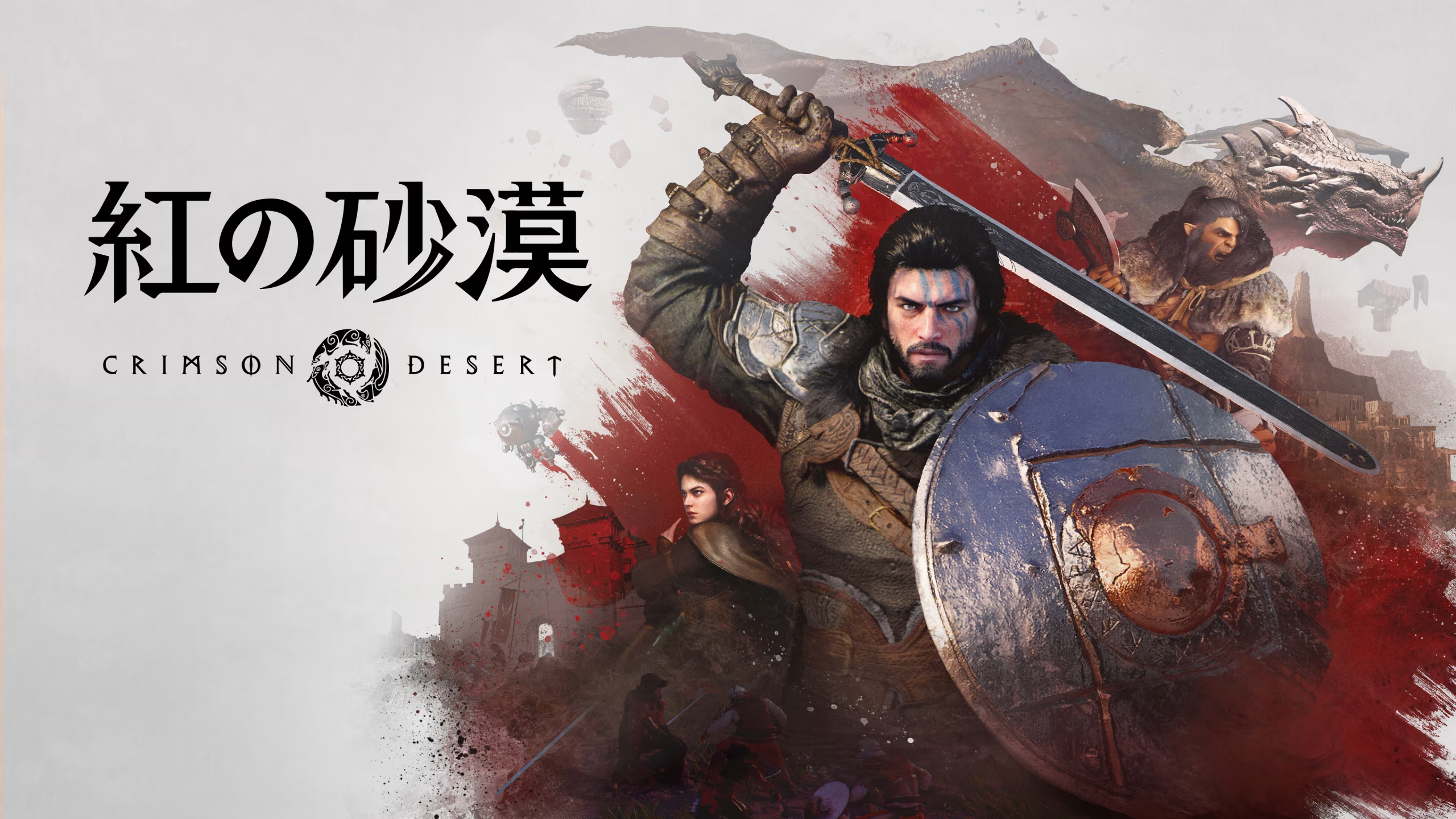
Crimson Desert Definitive Mod Manager (DMM) Mod v4.8.1
novembre 9, 2026 - 8:45am
                    Crimson Desert mods come as JSON patches, textures, plugins, or loose files. Copying them by hand is slow, so one wrong move can break your install. Definitive Mod Manager (DMM) puts every mod type into one window and backs up your game files first. As a result, you can mount a mod, test it, and return to vanilla whenever you like.
What DMM Handles
- DMM.exe: Holds the whole manager in one 55.2MB file, while separate Steam Deck and Linux builds cover those systems.
- Every Mod Type: Installs JSON mods, DDS textures, file replacements, ASI and DLL plugins, ReShade, and language packs.
- Mod Builder: Turns presets into a working mod, so infinite stamina, bag space, and no cooldowns take a few ticks. Drop and gathering multipliers sit there too, plus a Hard Mode tab for enemy HP and craft costs.
- Transmog: Changes how your armor, weapons, mounts, and pets look without changing what they do. Gear options match Kliff, Female CC, Damiane, and Oongka, and mounts only offer donors big enough to carry you.
- Custom Equipment: Builds a brand-new item from any weapon or armor, with its own name, stats, and buffs. Passives and abyss sockets are yours to set, so Rhett sells your weapons in Hernand and Tina sells your armor.
- Conflict Detection: Spots two mods that touch the same file or record, then merges them when it can. Instead of overwriting silently, it lets you pick a winner when it can’t.
- Load Order and Categories: Lets you drag mods into order or auto-sort them by conflict priority. Variant dropdowns then handle multi-option mods.
- Health Check and Editor: Scans a mod for broken textures, dangling references, and packaging mistakes. A built-in code editor also covers ASI plugin configs, ReShade installs, and translation packs.
Why Install DMM First
Hundreds of Crimson Desert mods list DMM as a requirement, so it earns its place before any other download. Its pattern scanner relocates patches after game updates, which keeps your setup alive through most patches. The trade-off is one more program on your PC, though it replaces every manual copy job.
Setting It Up
- Téléchargez la version de votre choix et extrayez l'archive sur votre PC.
- Installez le Microsoft Edge WebView2 Runtime if your PC doesn’t have it yet.
- Close the game, then run DMM.exe from the folder you extracted.
- Import a mod’s zip into DMM without unzipping it, enable the mod, then mount it.
- After a game update, mount the mod again if DMM shows NOT MOUNTED.
- To uninstall, unmount your mods first so DMM restores the vanilla files. Then delete DMM.exe.
Bon à savoir
- The Linux build needs glibc 2.43 or newer, while the Steam Deck build ships as its own download.
- Unmounting restores a clean vanilla game, so you can test mods without worry.
- This mod includes AI-generated content and media.
Download
File information
novembre 9, 2026 - 8:45am
- File name: CrimsonDesert_DMM_4.8.1

PLITCH - Free & Premium Game Trainer
- Secure Software (Virus checked, GDPR-compliant)
- Easy to use: get ready in less than 5 min
- More than 5300+ supported Games
- +1000 Patches every month & Support

The Hardcore Gaming Experience
Pioneering in offering game trainers and other hardcore gamer-centric content.
LATEST UPDATES




The Hardcore Gaming Experience
Pioneering in offering game trainers and other hardcore gamer-centric content.