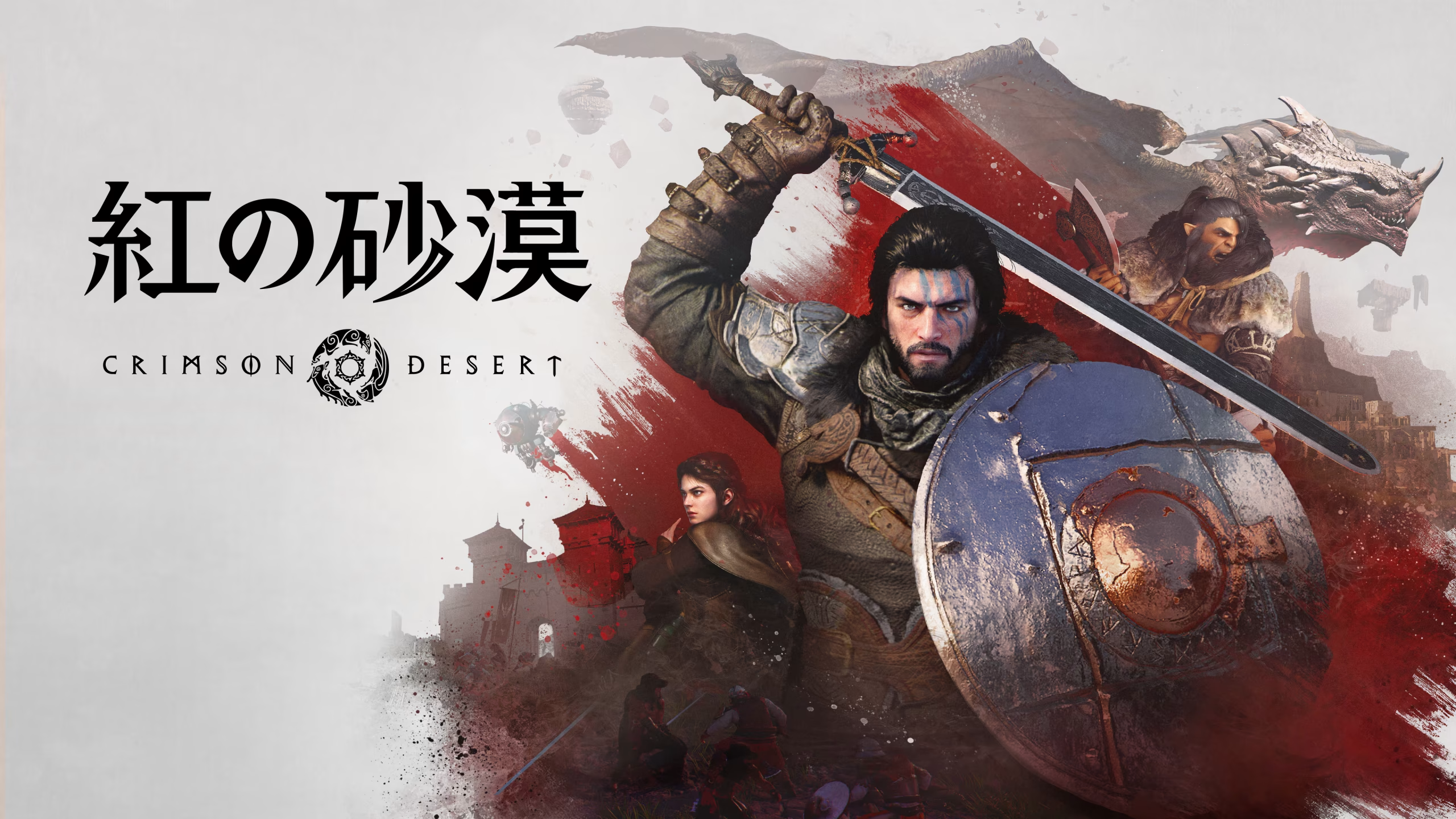
Crimson Desert SmartLoad Mod v1.0.25
novembre 26, 2026 - 8:25am
                    Fifty-five seconds is a long time to stare at a Crimson Desert loading screen. On a Ryzen 5 5600X PC, the SmartLoad mod cuts that main-menu save load to about 17.5 seconds. It keeps a shader cache and speeds up the load stages behind its own loading screen. As a result, you wait far less, although your numbers will vary with the save and the PC.
Inside the Download
- SmartLoad DMM: Packs the whole mod into one 279KB archive, which DMM imports as it is.
- Faster Game Start: Saves the shader cache, about 50MB, so the game stops redoing roughly 55,000 shaders each launch.
- Faster Save Loads: Cuts a main-menu save load from about 55 seconds to about 17.5.
- Faster Teleports: Trims city-to-city jumps by about 25% and portal-to-portal jumps by about 31%.
- Its Own Loading Screen: Shows the game’s logo, rotating emblem, and tips in your language. Press E to skip to the next tip.
- Skipped Waits: Starts the 7.5-second menu video at its end. It also skips a hidden lobby scene, saving about 2 seconds.
- Safe Mode: Keeps load work at normal speed on PCs that freeze, so loads take longer.
Why It’s Worth Installing
Loads get shorter, yet every loading stage still runs, so nothing you see is cut. The mod contains no game files, and it leaves your saves alone. Its one cost is a strict version lock, so a game patch means waiting for an update.
Getting It Running
- Téléchargez le mod et décompressez l'archive sur votre PC.
- Installer Definitive Mod Manager (DMM) if you don’t have it yet.
- Close the game. Then open Mods > Import in DMM and pick the zip as it is, without unpacking it.
- Open the ASI Mods page in DMM and enable SmartLoad. If DMM reports a missing ASI loader, click Install ASI Loader.
- Start the game and load a save.
- To update, close the game, import the new zip in DMM, and update the existing mod. Your settings stay.
- To uninstall, untick or delete SmartLoad in DMM. To remove its settings, cache, and logs too, delete the %LOCALAPPDATA%\SmartLoad dossier.
Before You Play
- The mod needs the Steam version 1.0.0.3663 of the game. On any other build, it switches itself off and writes the reason to its log.
- Turn NVIDIA Reflex on for the lighting part, though everything else still works without it.
- Borderless window mode works best, since exclusive fullscreen hides the Steam and NVIDIA overlays during a load.
- If the game freezes or crashes during loads, set SafeMode to 1 in %LOCALAPPDATA%\SmartLoad\SmartLoad.ini.
- Other loading mods may clash with SmartLoad, because nothing guarantees they work together.
- This mod includes AI-generated content.
Download
File information
novembre 26, 2026 - 8:25am
- File name: CrimsonDesert_SmartLoad_v1.0.25
PLITCH - Free & Premium Game Trainer
- Secure Software (Virus checked, GDPR-compliant)
- Easy to use: get ready in less than 5 min
- More than 5300+ supported Games
- +1000 Patches every month & Support

The Hardcore Gaming Experience
Pioneering in offering game trainers and other hardcore gamer-centric content.
LATEST UPDATES




The Hardcore Gaming Experience
Pioneering in offering game trainers and other hardcore gamer-centric content.


