Beast of Reincarnation Ultrawide Fix Mod v1.3.1
August 12, 2026 - 8:45am
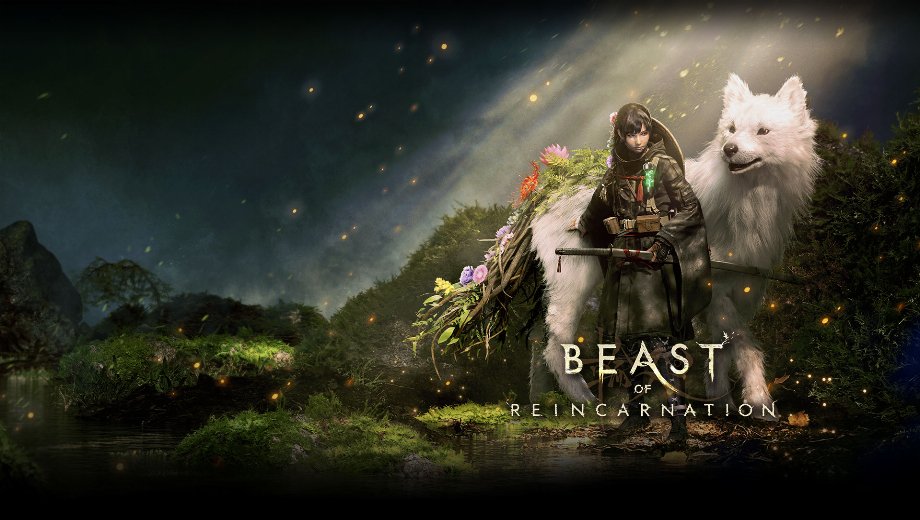
                    Beast of Reincarnation doesn’t properly support ultrawide monitors out of the box, leaving black bars and camera issues across several scenes. Ultrawide Fix corrects gameplay framing, removes black bars from finisher cameras and the title screen, and fixes a damage-flash rendering bug. It also adds a configurable field of view option. As a result, the game finally looks and plays correctly on wider aspect ratios.
What’s Included
- Proper Ultrawide Gameplay: Corrects the game’s camera and framing to work properly across ultrawide aspect ratios.
- Configurable Gameplay FOV: Lets you adjust the field of view directly through a settings file, defaulting to 75.
- Black Bar Removal: Removes black bars from finisher cameras and the title screen while preserving the title screen’s original field of view.
- Damage Flash Fix: Corrects a red damage-flash edge and line rendering issue that previously appeared in ultrawide.
Why You Need This Mod
Ultrawide support is often an afterthought in game development. However, black bars and camera glitches can make an otherwise great game feel unfinished on wider monitors. This mod fixes those specific issues directly. Therefore, ultrawide players get a properly framed experience instead of a compromised one.
How to Get Started
- Download the mod and extract the archive to your PC.
- Close the game, then install UE4SS Experimental first if you haven’t already.
- Delete any older copies of StableCameraCpp and HitDamageFix, and remove duplicate mods from your Win64/UE4SS/Mods folder.
- Copy the included BeastOfReincarnation folder into the game’s main folder, allowing Windows to merge the folders.
- Open BeastOfReincarnation/Binaries/Win64/Mods.txt and add StableCameraCpp : 1 and HitDamageFix : 1 without deleting existing entries.
- Save Mods.txt and launch the game.
- To adjust FOV, edit the FOV value in BeastOfReincarnation/Binaries/Win64/Mods/StableCameraCpp/Scripts/Settings.lua.
- To uninstall, delete both the StableCameraCpp and HitDamageFix folders and remove their entries from Mods.txt. UE4SS itself can stay installed.
Download
File information
August 12, 2026 - 8:45am
- File name: BeastOfReincarnation_UltrawideFix_v1.3.1

PLITCH - Free & Premium Game Trainer
- Secure Software (Virus checked, GDPR-compliant)
- Easy to use: get ready in less than 5 min
- More than 5300+ supported Games
- +1000 Patches every month & Support

The Hardcore Gaming Experience
Pioneering in offering game trainers and other hardcore gamer-centric content.
LATEST UPDATES


![Mr. Prepper v1.0-v1.43+ (+17 Trainer) [FLiNG]](https://618b31e8.delivery.rocketcdn.me/wp-content/uploads/2026/11/Mr-Prepper-01-464x276.jpg)

![Crimson Desert Enhanced v1.0-v2.x+ (+12 Trainer) [FLiNG] – Update October 2026](https://618b31e8.delivery.rocketcdn.me/wp-content/uploads/2026/11/Crimson-Desert-Enhanced-01-464x276.jpg)





The Hardcore Gaming Experience
Pioneering in offering game trainers and other hardcore gamer-centric content.