Code Vein II Ultimate Engine Tweaks Mod v1.0
February 5, 2026 - 1:09am
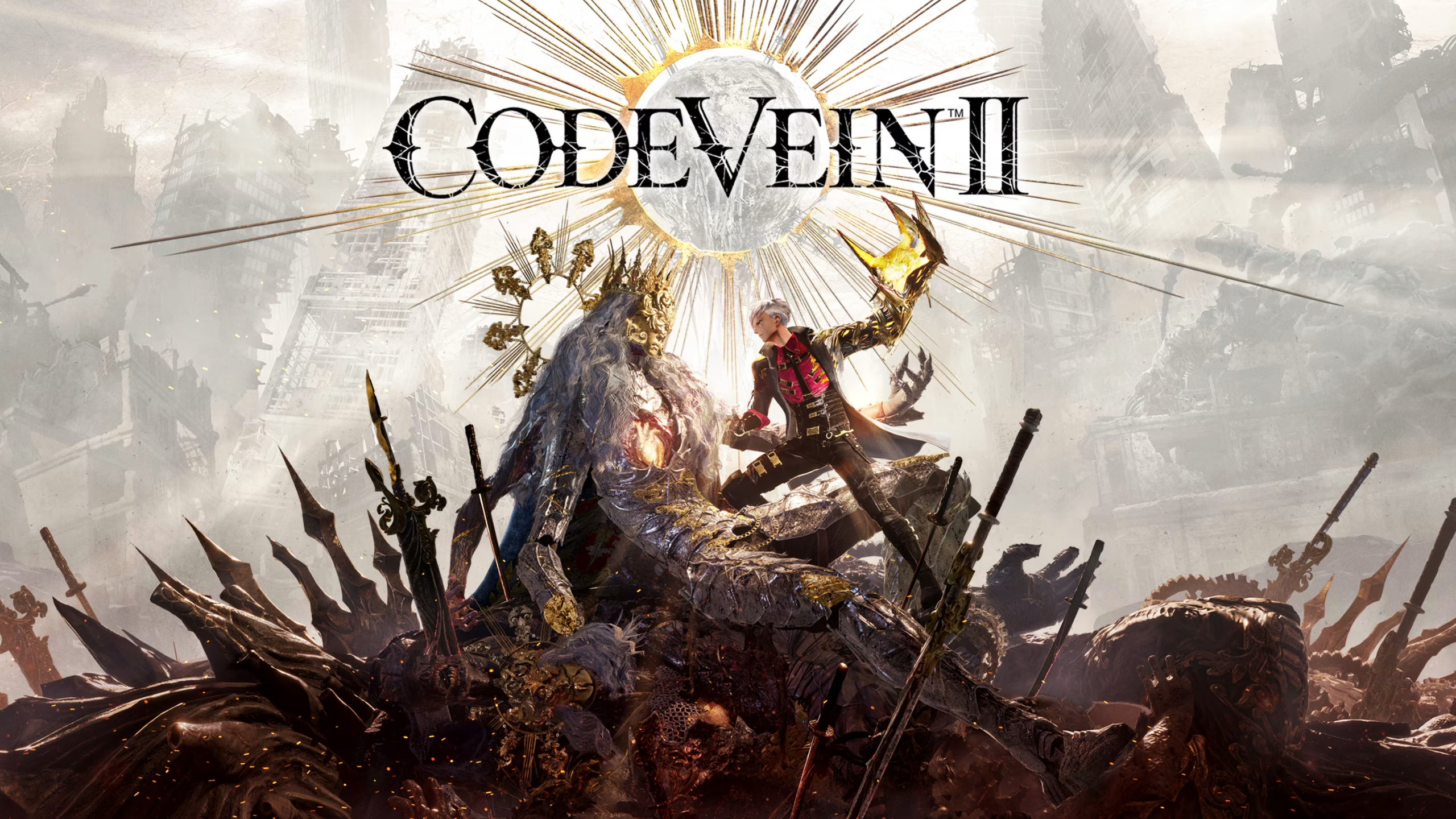
                    The Ultimate Engine Tweaks mod is a comprehensive optimization package designed to significantly improve the performance and visual fidelity of Code Vein II. By replacing the game’s default configuration file with a custom-tuned version, this mod aims to eliminate stuttering, reduce input latency, and enhance image clarity without compromising visual quality. It is the result of over a year of iterative testing on Unreal Engine 5 games, providing a stable and “lossless” upgrade for your experience.
Key Features
- Performance & Stability: Optimizes CPU, GPU, RAM, and SSD usage to minimize stutters and maintain higher frame rates.
- Visual Clarity: Disables intrusive effects like chromatic aberration and film grain while refining anti-aliasing to reduce ghosting and shimmering.
- Input Latency: Tweaks engine parameters to make gameplay feel more responsive.
- Two Variants:
- VRR Version: For users with G-Sync or FreeSync enabled on both their monitor and GPU control panel.
- No VRR Version: For users with standard fixed-refresh rate displays.
Additional Details
- Compatibility: Do not use this mod alongside other “optimization” or “engine.ini” mods, as they will conflict. It is compatible with standard gameplay or texture mods.
- Safe to Use: The mod only alters configuration parameters and does not modify game executables. It is safe to install and remove.
How to Install
- Run Code Vein II at least once and close it to generate the necessary config folders.
- Download the Ultimate Engine Tweaks mod file (choose “VRR” or “No VRR” based on your monitor).
- Press Windows + R on your keyboard, paste the following path, and hit Enter:
%localappdata%\CodeVein2\Saved\Config\Windows - Extract the downloaded
Engine.inifile into this folder, overwriting the existing one. - Right-click the new
Engine.ini, select Properties, check the Read-Only box, and click Apply. (This prevents the game from resetting your optimizations). - Launch the game and enjoy the smoother performance!
Download
File information
February 5, 2026 - 1:09am
- File name: CodeVeinII_UltimateEngineTweaks_VRR_v1.0
- File name: CodeVeinII_UltimateEngineTweaks_NoVRR_v1.0
Game is supported by PLITCH

PLITCH - Free & Premium Game Trainer
- Secure Software (Virus checked, GDPR-compliant)
- Easy to use: get ready in less than 5 min
- More than 5300+ supported Games
- +1000 Patches every month & Support

The Hardcore Gaming Experience
Pioneering in offering game trainers and other hardcore gamer-centric content.
LATEST UPDATES



![Fishing Inc (+9 Trainer) [Mafioznik]](https://618b31e8.delivery.rocketcdn.me/wp-content/uploads/2026/10/Fishing-Inc-01-464x276.jpg)

![Granblue Fantasy: Relink v1.0-v2.0.x+ (+36 Trainer) [FLiNG]](https://618b31e8.delivery.rocketcdn.me/wp-content/uploads/2024/02/granblue-fantasy-relink-1-464x276.jpg)




The Hardcore Gaming Experience
Pioneering in offering game trainers and other hardcore gamer-centric content.