The Witcher 3: Wild Hunt Auto Apply Oils – Fix Mod v1.0
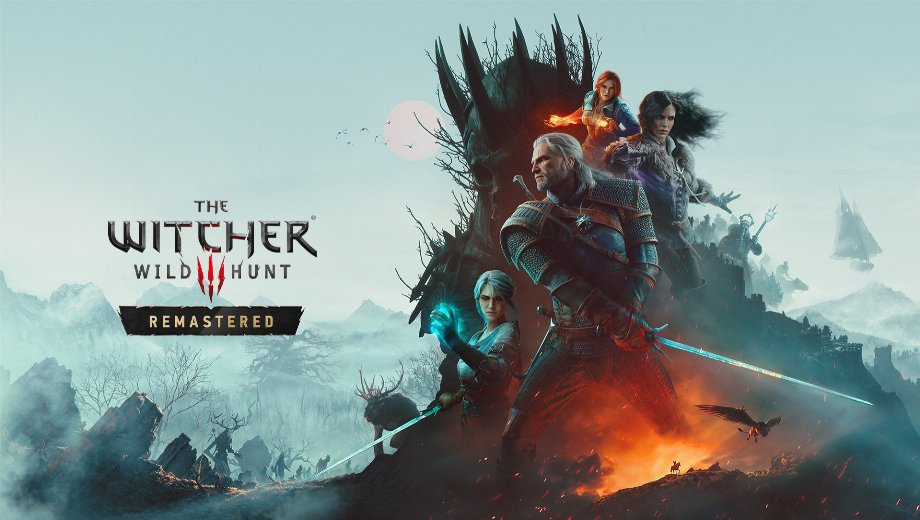
                    The automatic blade oil option in The Witcher 3 Remastered switches itself off whenever you load a save. Patch 5.00 moved that option to the Accessibility menu, but the load code still looks under Gameplay. The Auto Apply Oils – Fix mod re-reads the setting from the right place right before the game checks it. As a result, auto apply keeps working after every load.
What’s Included
- AutoApplyOilsFix Remastered 1.0.0: the complete fix, which adds the modAutoApplyOilsFix folder.
Why You Need This Mod
The fix is script only, so it replaces no vanilla files and needs no Script Merger. Moreover, you can add or remove it mid playthrough, and turning the option off still works. Additionally, auto apply kicks in on a hit when your sword lacks the right oil. The first hit therefore lands without oil. It picks the best oil you carry, from Superior to Enhanced to normal. The oil goes on the sword that fits the enemy: silver for monsters, steel for humans and beasts. Meanwhile, it triggers when you draw your sword with a target locked, and when an oil runs out. Since it checks both the old and new location, you can leave it installed after CDPR fixes the bug.
How to Get Started
- Download the mod and extract the archive to your PC.
- First, copy the archive contents into your The Witcher 3 folder.
- Next, check that you end up with The Witcher 3\mods\modAutoApplyOilsFix\content\scripts\local\autoApplyOilsFix.ws.
- Finally, open the game, go to Options > Accessibility, and turn on Automatically apply blade oils.
- To uninstall, delete the The Witcher 3\mods\modAutoApplyOilsFix folder.
Good to Know
- Testing covered PC with patch 5.00c, and the fix should work with nearly everything.
- However, a mod that completely replaces ShouldAutoApplyOil or ShouldAutoApplyOilImmediately in r4Player.ws can clash with it.
- File name: TW3WH_AutoApplyOilsFix_Remastered_v1.0.0

- Secure Software (Virus checked, GDPR-compliant)
- Easy to use: get ready in less than 5 min
- More than 5300+ supported Games
- +1000 Patches every month & Support


![Moadra v1.0 (+6 Trainer) [RazorDOX]](https://618b31e8.delivery.rocketcdn.me/wp-content/uploads/2026/10/Moadra-01-464x276.jpg)

![Dying Light 2 Stay Human v1.0-v1.3x+ (+33 Trainer) [FLiNG]](https://618b31e8.delivery.rocketcdn.me/wp-content/uploads/2024/03/dying-light-2_0-464x276.jpg)