Core Keeper v1.0–v1.2+ (+22 Trainer)
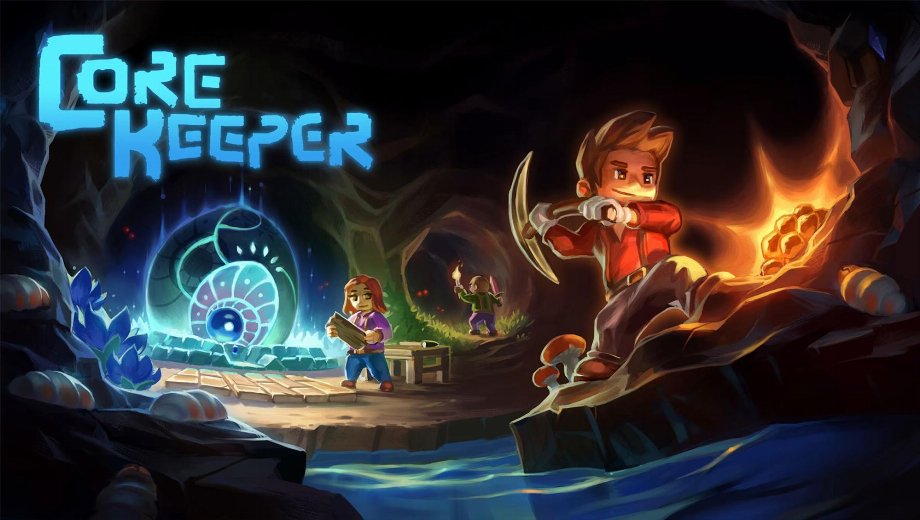
                    Core Keeper drops you into an underground world where health, mana, and food deplete steadily through mining, farming, and combat. Specifically, weapon and tool durability degrades fast during long expeditions, critical hit and dodge rates feel unreliable against tougher underground bosses, and digging through dense terrain eats time on every run. Additionally, skill points accumulate slowly, and managing item stacks and durability across a large inventory adds constant friction to exploration.
Fortunately, the Core Keeper +22 Trainer by FLiNG addresses all of those systems directly. Specifically, it covers combat survival, tool durability, farming, skill management, movement, and game speed across 22 options. This trainer supports game versions v1.0 through v1.2+.
The Core Keeper Trainer Arsenal
These 22 options split across two groups: combat and survival, and tools, skills, and movement.
Combat and Survival Options
- Num 1 (God Mode/Ignore Hits): The player ignores all incoming hits.
- Num 2 (Infinite Health): Health will not deplete during combat or exploration.
- Num 3 (Infinite Mana): Mana will not run out.
- Num 4 (Infinite Food): Food will not deplete.
- Num 5 (Infinite Weapon & Tool Durability): Weapons and tools will not lose durability.
- Num 6 (Max Critical Hit Chance): Critical hit chance is set to maximum.
- Num 7 (Max Dodge Chance): Dodge chance is set to maximum.
- Num 8 (Set Attack Speed): Adjusts how fast you attack.
- Num 9 (Fast Digging): Digging through terrain completes much faster.
- Num 0 (Super Damage/One Hit Kills): Defeat enemies in a single hit.
- Num . (Damage Multiplier): Multiplies the damage you deal.
- Num + (Increase Armor): Increases your armor value.
Tools, Skills, and Movement Options
- Ctrl+Num 1 (Edit Item Amount/Durability (1)): Edit the amount or durability of the first selected item slot.
- Ctrl+Num 2 (Edit Item Amount/Durability (2)): Edit the amount or durability of the second selected item slot.
- Ctrl+Num 3 (Edit Item Amount/Durability (3)): Edit the amount or durability of the third selected item slot.
- Ctrl+Num 4 (Infinite Watering Can Usage): The watering can will not run out of uses.
- Ctrl+Num 5 (Increase Max Health): Increases your maximum health value.
- Ctrl+Num 6 (Edit Mouse Hovered Skill Level): Edit the level of the skill currently under your cursor.
- Ctrl+Num 7 (Infinite Skill Points): Skill points will not run out.
- Ctrl+Num 8 (No Clip Mode): The player passes through all solid geometry.
- Ctrl+Num 9 (Set Movement Speed): Adjusts the player’s movement speed.
- Ctrl+Num 0 (Set Game Speed): Adjusts the overall speed of the game.
Important Trainer Instructions and Tips
Follow these steps to get the trainer running correctly.
- Supported versions: v1.0 through v1.2+. Last updated 3 May 2026.
- Single player only: This trainer is confirmed for single-player mode only by FLiNG.
- Launch order: Start the game and the trainer in any order. Both work fine.
- Num Lock: Must be enabled for all Numpad hotkeys to respond.
- Antivirus note: Some tools flag trainers due to memory hooking. Add an exception if you trust the source.
- Save first: Back up your save files before activating any options.
This trainer is intended for single-player use only.

- Secure Software (Virus checked, GDPR-compliant)
- Easy to use: get ready in less than 5 min
- More than 5300+ supported Games
- +1000 Patches every month & Support



![Hell Clock v1.0-v2.0+ (+18 Trainer) [FLiNG]](https://618b31e8.delivery.rocketcdn.me/wp-content/uploads/2025/08/Hell-Clock-1-464x276.jpg)

![Ace Combat 8: Wings of Theve v1.0+ (+20 Trainer) [FLiNG]](https://618b31e8.delivery.rocketcdn.me/wp-content/uploads/2026/10/ACE-COMBAT-8-WINGS-OF-THEVE-01-scaled-464x276.jpg)








Trainers are memory resident programs that alter the behavior of a game.
Your antivirus software and web browser may detect them as malware (viruses, worms, trojans, bots etc.).
This is almost always a false alarm.
- File name: Core.Keeper.v1.2.Plus.22.Trainer-FLiNG






![Nioh 3 v1.0-v2.0+ (+50 Trainer) [FLiNG]](https://618b31e8.delivery.rocketcdn.me/wp-content/uploads/2025/11/Nioh-3-01-464x276.jpg)


