Subnautica 2 Ultimate Engine Tweaks Mod v2.0
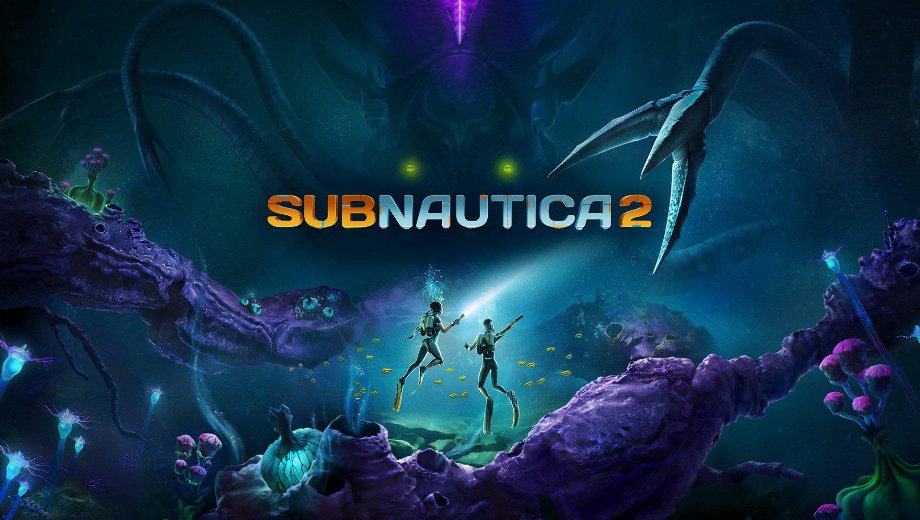
                    Subnautica 2 can stutter hard on both strong and modest hardware, especially when the default engine settings leave expensive effects and upscaling behavior untouched. The Ultimate Engine Tweaks mod replaces those defaults with a custom Engine.ini aimed at reducing stutter, improving stability, lowering input latency, and sharpening the image without adding visual loss. Furthermore, the mod ships in two display-specific variants, so you can match the file to your VRR setup instead of guessing. Consequently, the game feels cleaner and more responsive as soon as the config file loads.
What’s Included
- VRR variant for systems with Variable Refresh Rate enabled.
- No VRR variant for systems without Variable Refresh Rate.
- Performance improvements for CPU, GPU, RAM, and SSD bottlenecks.
- Reduced stuttering, input latency, ghosting, shimmering, chromatic aberration, film grain, and motion blur.
- Optimized DLSS and FSR upscaling and anti-aliasing settings.
- Separate install path for the Xbox PC version.
Which Variant Should You Use?
- VRR: use this if Variable Refresh Rate, G-Sync, or FreeSync is enabled on both your display and your GPU control panel.
- No VRR: use this if VRR, G-Sync, or FreeSync is disabled on either your display or your GPU control panel.
Why You Need This Mod
UE5 games often leave a lot of performance on the table in their default config, and Subnautica 2 is no exception. This mod tackles those issues at the engine level rather than relying on in-game menus that cannot reach the same settings. Additionally, the file-based setup makes it easy to swap variants or remove the tweaks entirely when you want to compare results.
How to Get Started
- Launch Subnautica 2 once and then close it so the game creates its config folder.
- Download the mod archive and extract it to your PC.
- Pick the file that matches your setup: VRR or No VRR.
- Open the standard PC config folder by pressing Win + R, typing:
%localappdata%\Subnautica2\Saved\Config\Windows
and pressing Enter.
- For the Xbox PC version, use this folder instead:
%localappdata%\Subnautica2\Saved\Config\WinGDK
- Copy the selected
Engine.iniinto the correct folder. - Right-click
Engine.ini, open Properties, and check Read-only. Click Apply, then OK. - Launch Subnautica 2. The engine tweaks apply automatically.
- To uninstall, delete the modded
Engine.inifrom the config folder. The game will use its default settings on the next launch.
Good to Know
- Do not use this mod together with other optimization mods. Other non-optimization mods can still work normally.
- If you are unsure whether to use the VRR file, check both your GPU control panel and your display settings. If VRR is active on both, choose the VRR variant.
- The Read-only flag matters. If you skip it, Subnautica 2 can overwrite the file and remove the tweaks on the next launch.
- The Xbox PC version uses
WinGDKinstead of the standardWindowsconfig folder.
- File name: Subnautica2_UltimateUnrealEngine_VRR_v2.0
- File name: Subnautica2_UltimateUnrealEngine_NoVRR_v2.0

- Secure Software (Virus checked, GDPR-compliant)
- Easy to use: get ready in less than 5 min
- More than 5300+ supported Games
- +1000 Patches every month & Support




![Prey v10966486 (+8 Trainer) [-Al-ex-]](https://618b31e8.delivery.rocketcdn.me/wp-content/uploads/2026/10/Prey-01-464x276.jpg)

![Planet Zoo 2 v1.0.x+ (+13 Trainer) [FLiNG]](https://618b31e8.delivery.rocketcdn.me/wp-content/uploads/2026/10/Planet-Zoo-2-01-464x276.jpg)